> ## Documentation Index
> Fetch the complete documentation index at: https://help.neurapulse.com/llms.txt
> Use this file to discover all available pages before exploring further.
# Managing Workspaces in Neurapulse
> Neurapulse allows you to create and manage separate workspaces, each with its own projects and settings. This feature is ideal for users who need to oversee multiple teams or clients. Here's how to create and switch between workspaces.
## Creating a Workspace[](#creating-a-workspace "Direct link to Creating a Workspace")
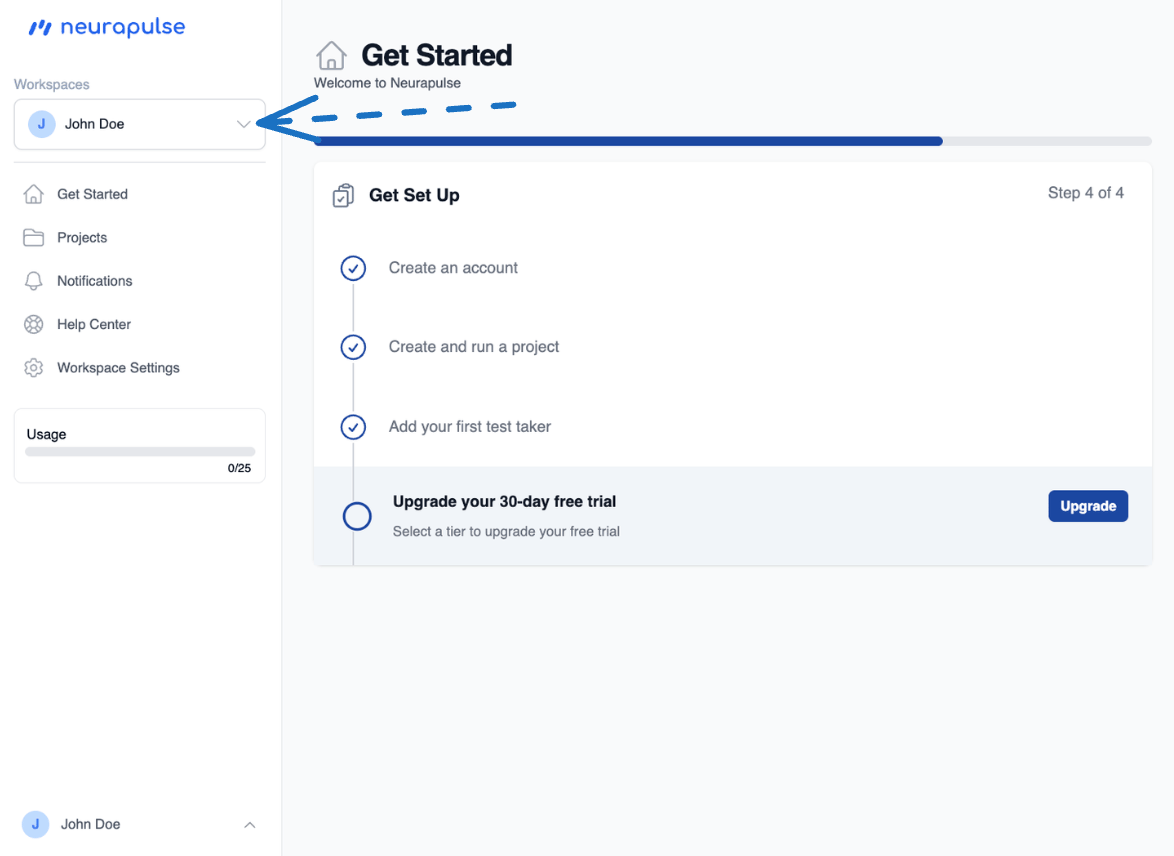
1. Click your account name in the top-left corner
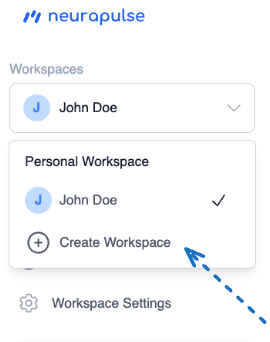
 2. Select "Create Workspace" from the dropdown
 3. Enter the workspace name and click "Create Workspace"
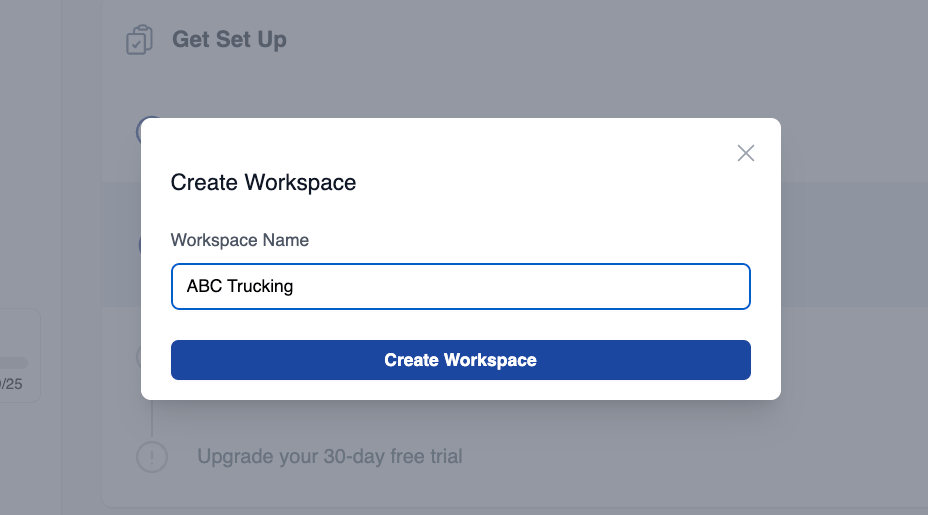 4. Click "Create Workspace" to finalize. The new workspace will now manage your current session.
## Switching to a Workspace[](#switching-to-a-workspace-account "Direct link to Switching to a Workspace Account")
1. Click your account name
2. Select the workspace from the dropdown
3. The interface updates to reflect the workspace's projects and settings
Switching to a workspace allows you to manage projects and settings specific
to that workspace.
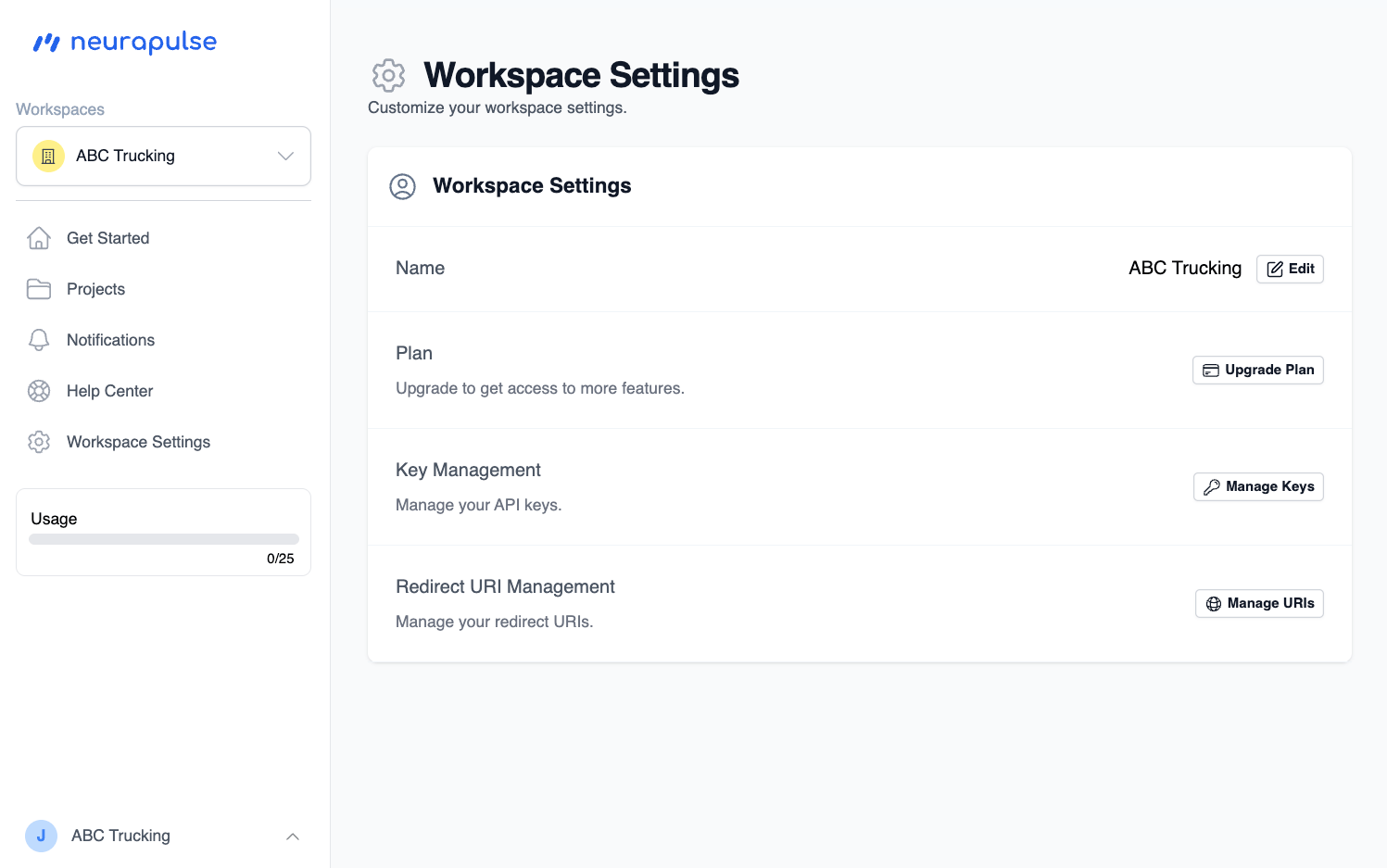
The workspace has its own settings, set separately from the original user.
4. Click "Create Workspace" to finalize. The new workspace will now manage your current session.
## Switching to a Workspace[](#switching-to-a-workspace-account "Direct link to Switching to a Workspace Account")
1. Click your account name
2. Select the workspace from the dropdown
3. The interface updates to reflect the workspace's projects and settings
Switching to a workspace allows you to manage projects and settings specific
to that workspace.
The workspace has its own settings, set separately from the original user.