> ## Documentation Index
> Fetch the complete documentation index at: https://help.neurapulse.com/llms.txt
> Use this file to discover all available pages before exploring further.
# Test Taker Experience
> The entire test experience, from self-enrolling to performing the test, is designed to take under 5 minutes for new test takers to complete. Subsequent tests are much faster to perform, often taking only 1-2 minutes once the test taker has had practice.
## Starting a Test[](#starting-a-test "Direct link to Starting a Test")
Test takers can either:
* Click on the self-enroll link provided.
* Scan the QR code with their mobile device.
## Registration Page[](#registration-page "Direct link to Registration Page")
To register, the following fields must be completed:
* **Name**
* **Email Address**
* **Year of Birth**
* Agreement to the **Terms and Conditions** and **Privacy Policy**.
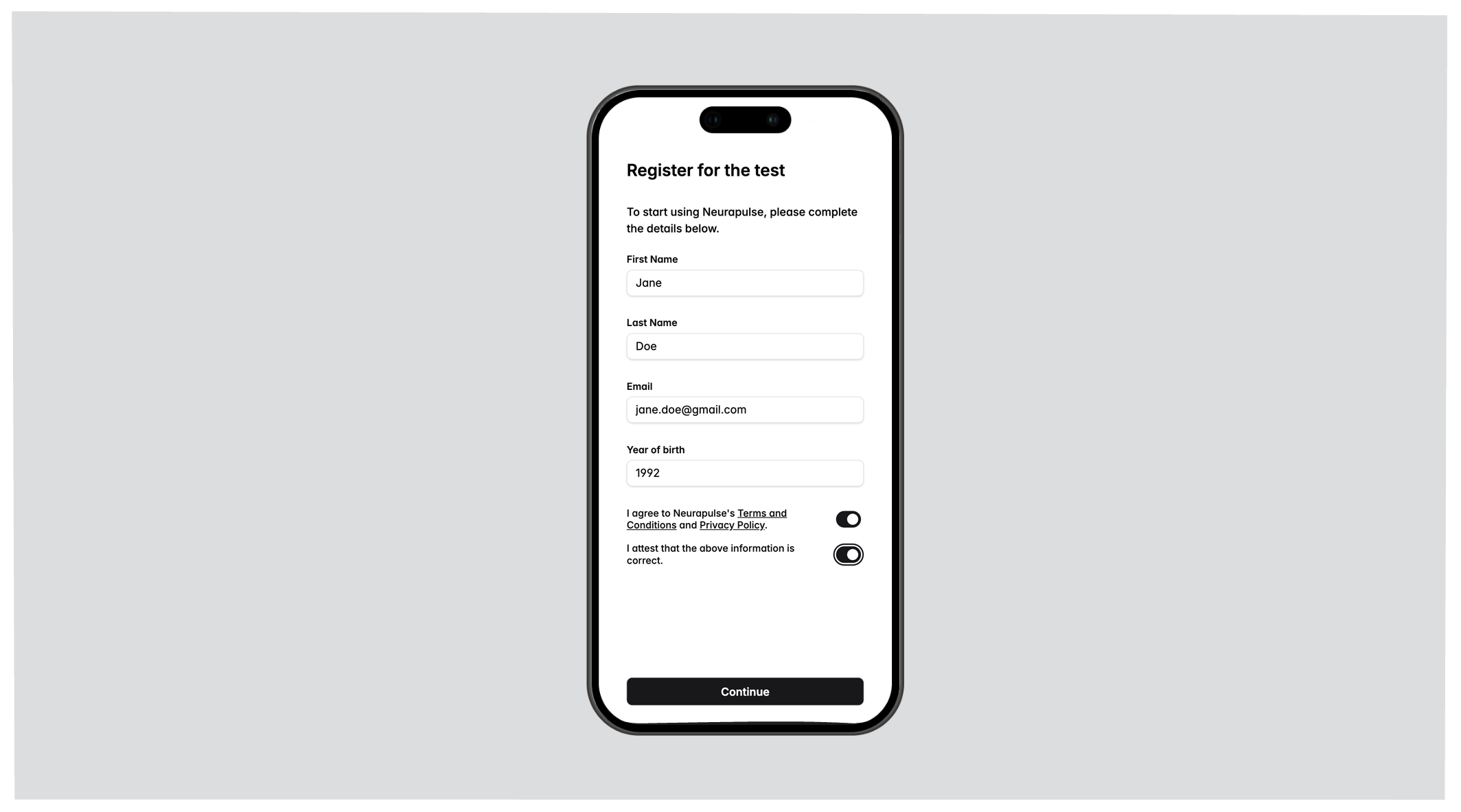 After clicking the `Continue` button, a verification code is emailed to the test taker.
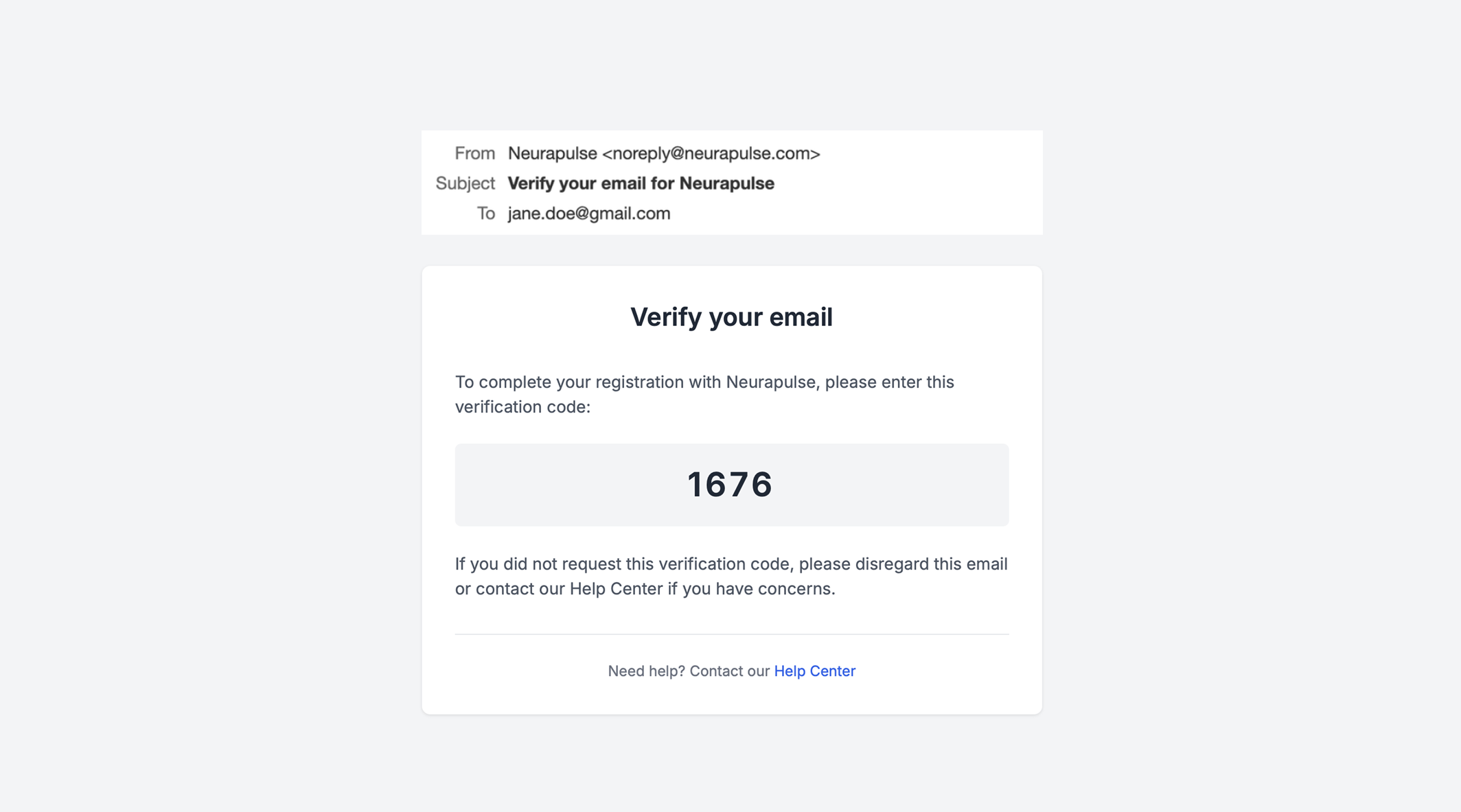 This code must be entered to continue.
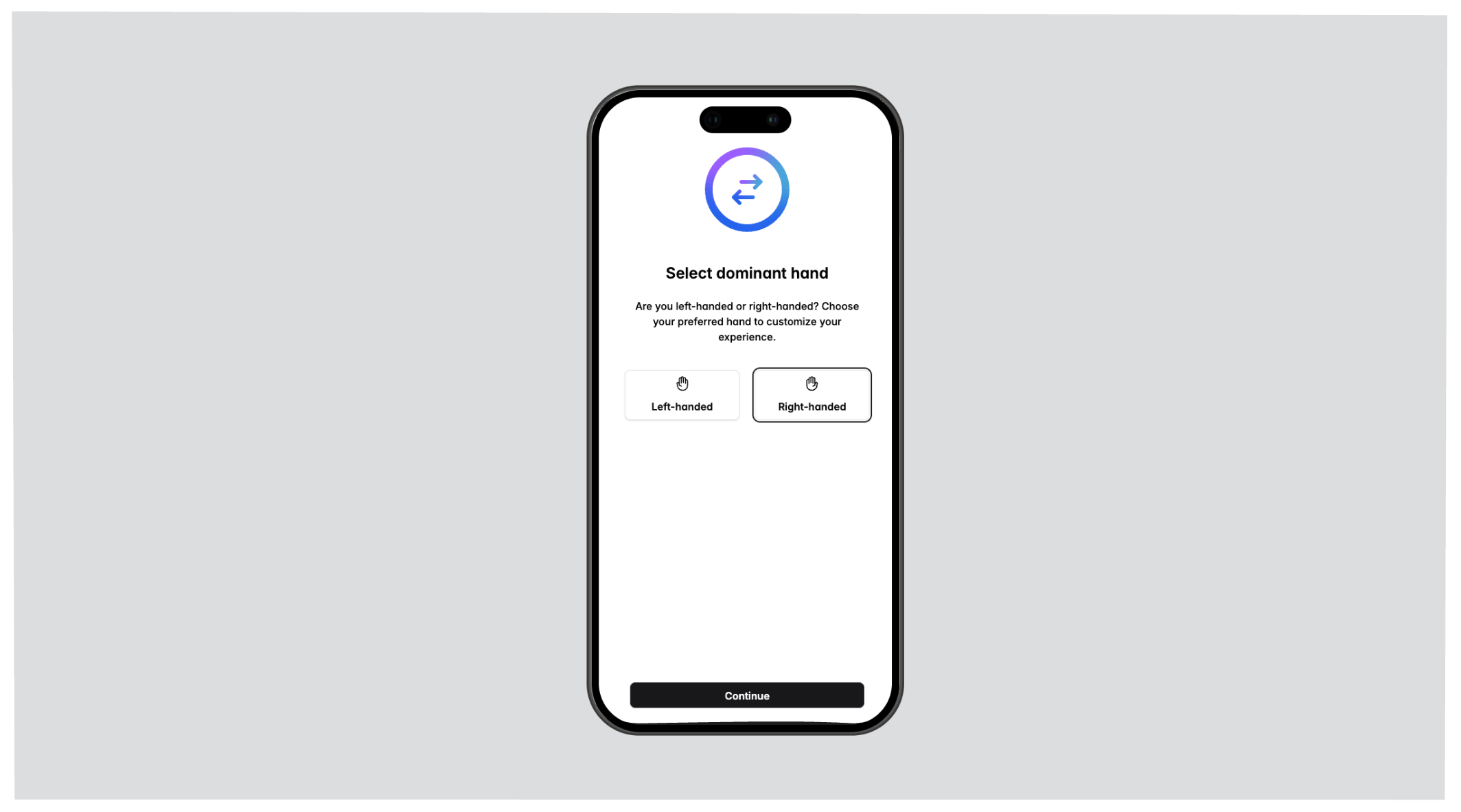
 Next, the test taker selects their dominant hand.
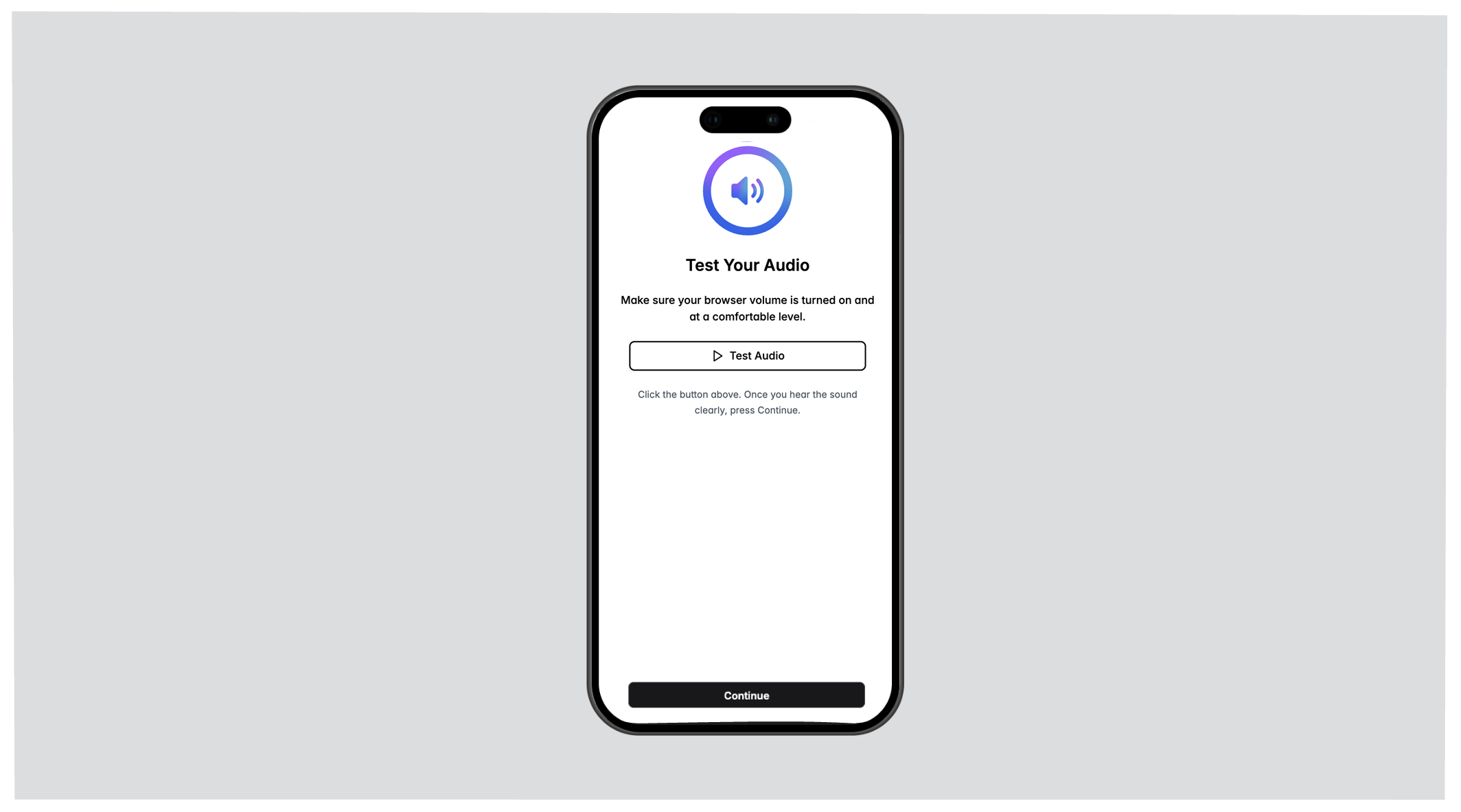
 A `Test Audio` button can be pressed (which plays a sound) to ensure audio levels are appropriate.
 ## Identity Verification[](#identity-verification "Direct link to Identity Verification")
If identity verification is required, the following must be provided:
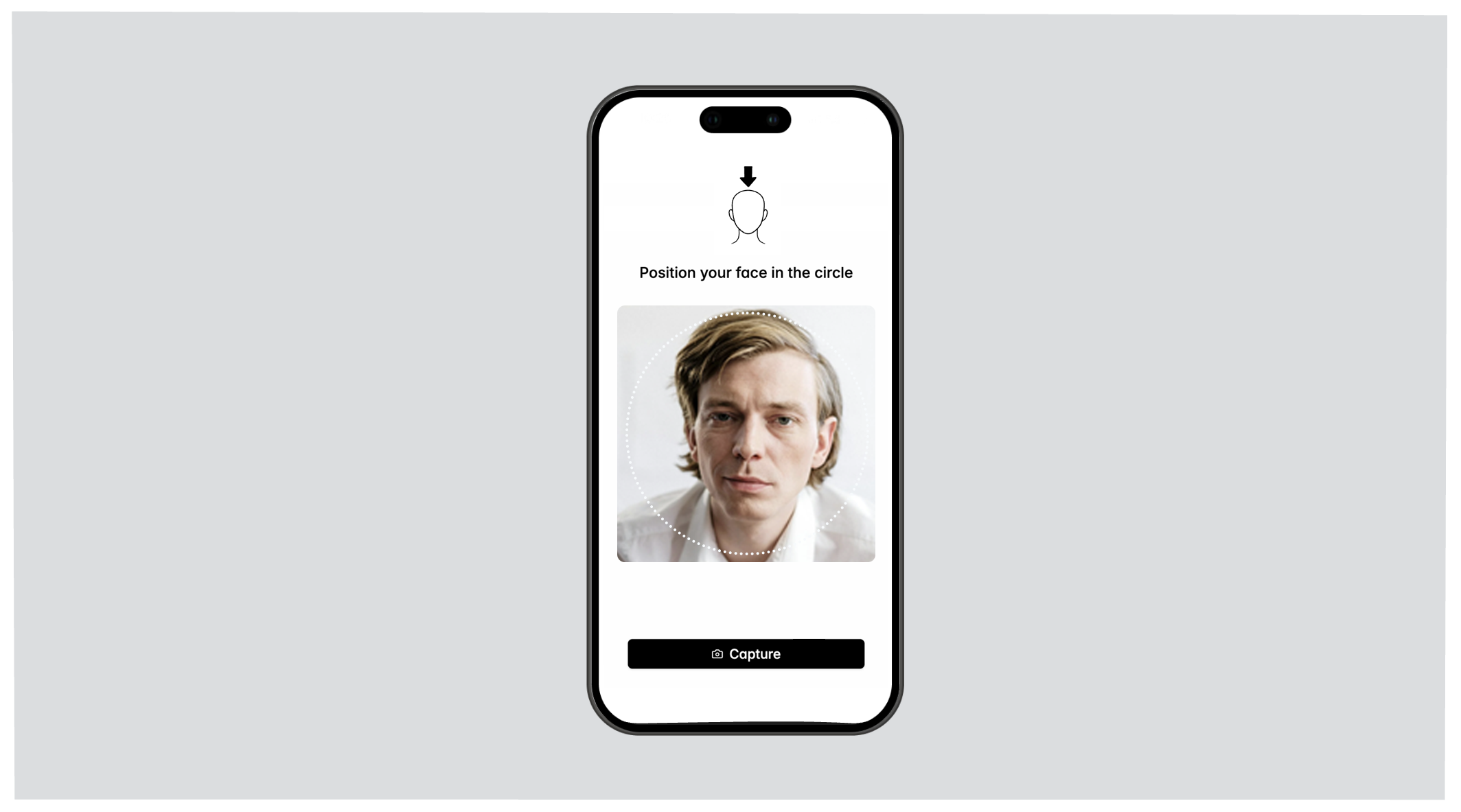
* a live face photo
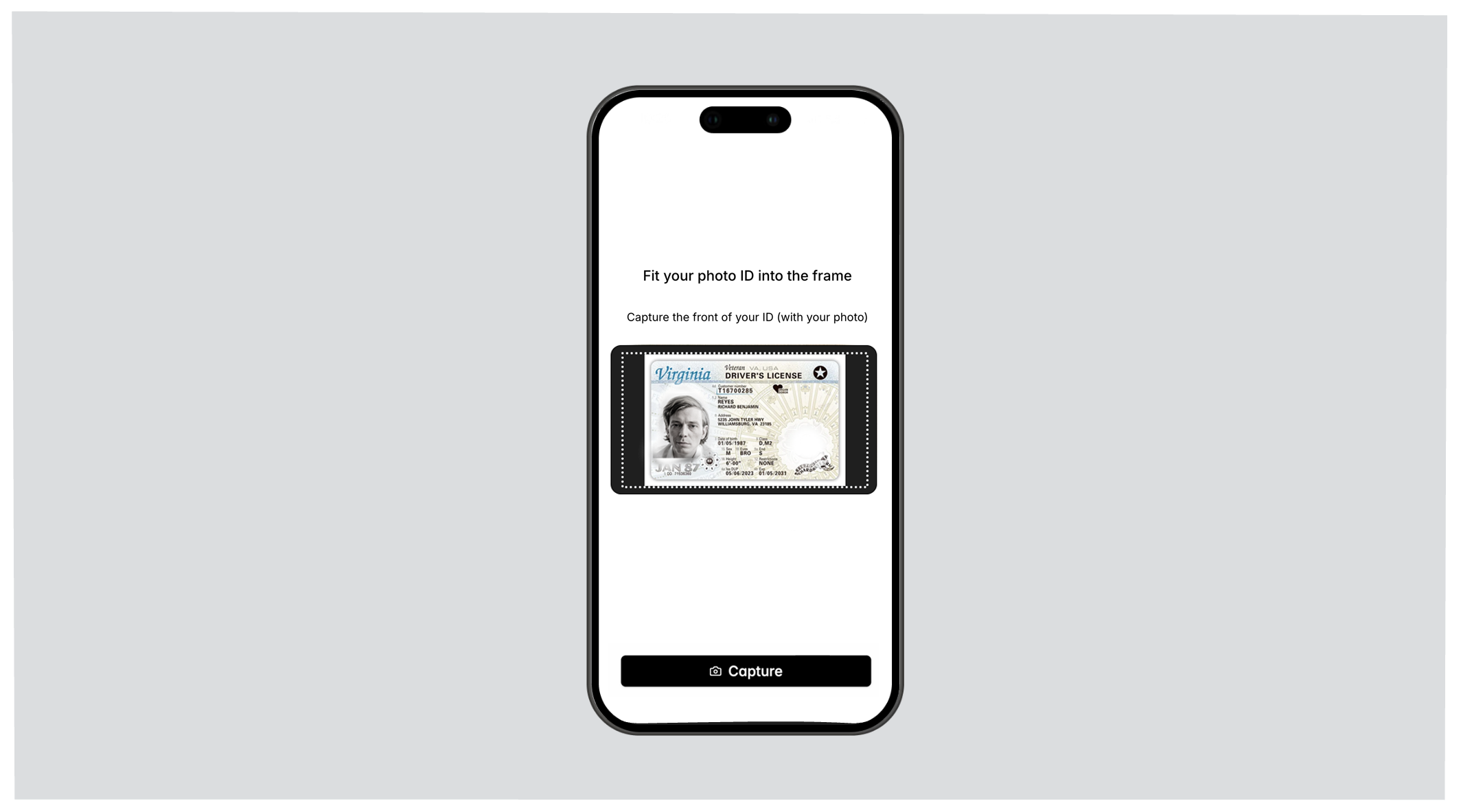
* a photo ID document (government issued)
Using the front camera, a selfie will be taken to verify against the photo ID document. The test taker will be asked to take pictures of their face at multiple angles.
## Identity Verification[](#identity-verification "Direct link to Identity Verification")
If identity verification is required, the following must be provided:
* a live face photo
* a photo ID document (government issued)
Using the front camera, a selfie will be taken to verify against the photo ID document. The test taker will be asked to take pictures of their face at multiple angles.
 Next, using the camera, the photo ID document should be aligned so that it is fully in view. The test taker will be asked to take multiple pictures of the ID document.
 ### Things to Note
* The ID must match the information provided in the first step (entering first name, last name, etc.).
* The ID document cannot be expired.
If verification fails, check the ambient lighting. The face and photo ID
document should be well-lit in the photo. If problems persist, glasses and
hats may need to be removed.
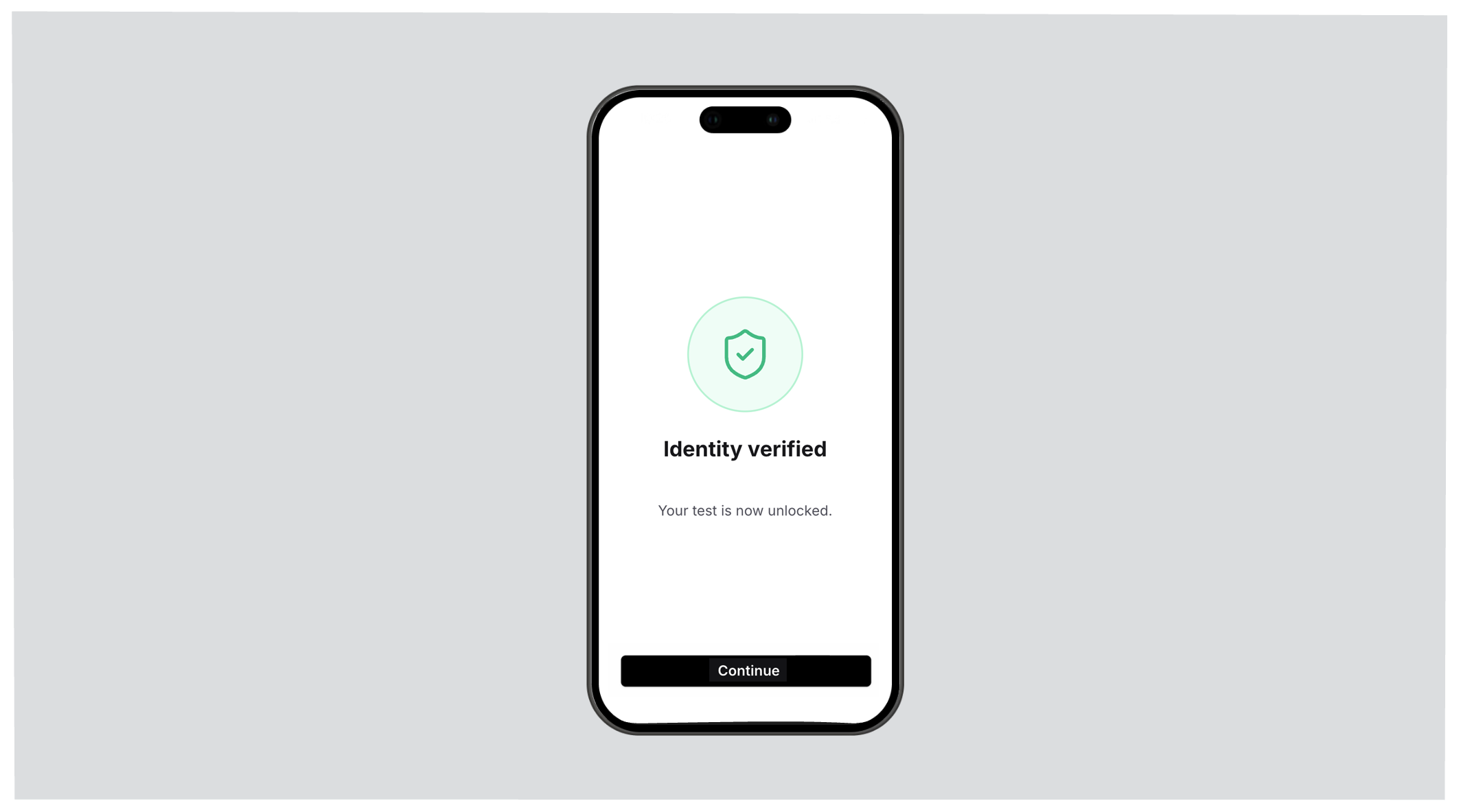
Once verification is successful, the test link is activated. If verification fails, the test taker will be guided to retake the pictures of their face and photo ID document.
### Things to Note
* The ID must match the information provided in the first step (entering first name, last name, etc.).
* The ID document cannot be expired.
If verification fails, check the ambient lighting. The face and photo ID
document should be well-lit in the photo. If problems persist, glasses and
hats may need to be removed.
Once verification is successful, the test link is activated. If verification fails, the test taker will be guided to retake the pictures of their face and photo ID document.
 Neurapulse never saves face or photo ID document information in a way that can
reconstruct likeness or contents.
## Task Loading[](#task-loading "Direct link to Task Loading")
A brief loading screen appears while tasks are downloaded.
Neurapulse never saves face or photo ID document information in a way that can
reconstruct likeness or contents.
## Task Loading[](#task-loading "Direct link to Task Loading")
A brief loading screen appears while tasks are downloaded.
 ## Task Demonstration[](#task-demonstration "Direct link to Task Demonstration")
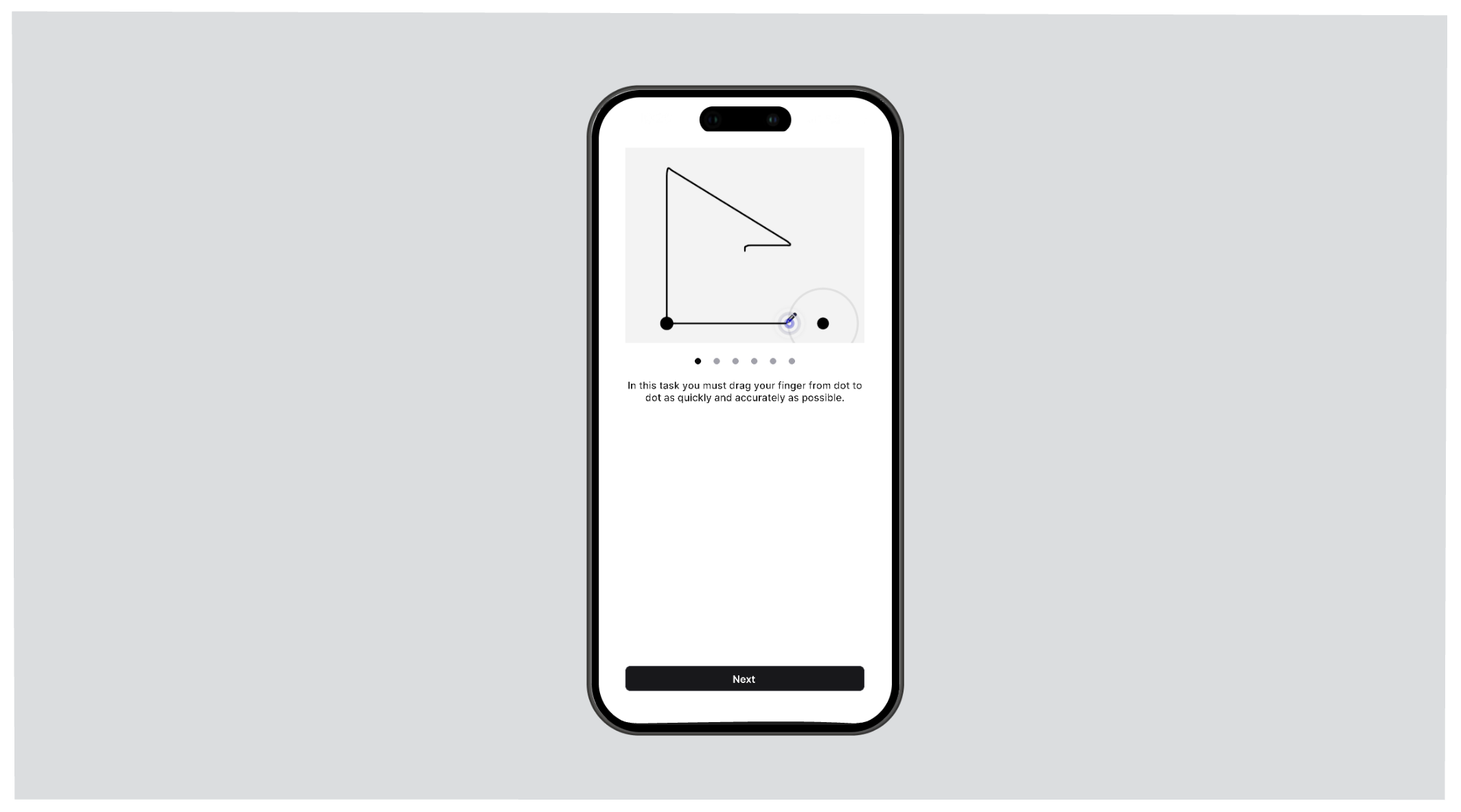
Each task includes a step-by-step demonstration *with audio*. Test takers can navigate through instructions and start the task when ready.
## Task Demonstration[](#task-demonstration "Direct link to Task Demonstration")
Each task includes a step-by-step demonstration *with audio*. Test takers can navigate through instructions and start the task when ready.
 ## Performing Tasks[](#performing-tasks "Direct link to Performing Tasks")
Tasks begin after the `Start` button is pressed.
## Performing Tasks[](#performing-tasks "Direct link to Performing Tasks")
Tasks begin after the `Start` button is pressed.
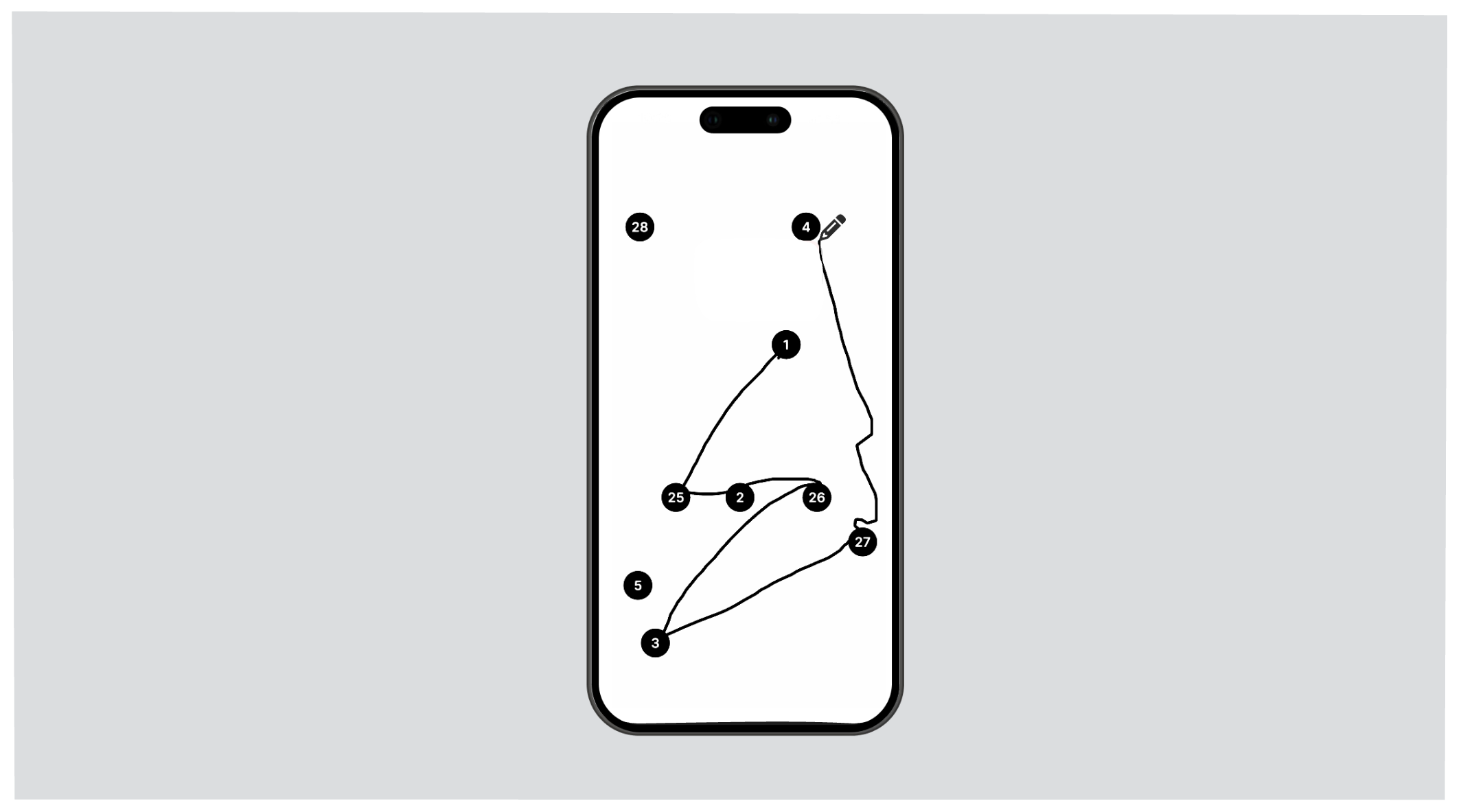
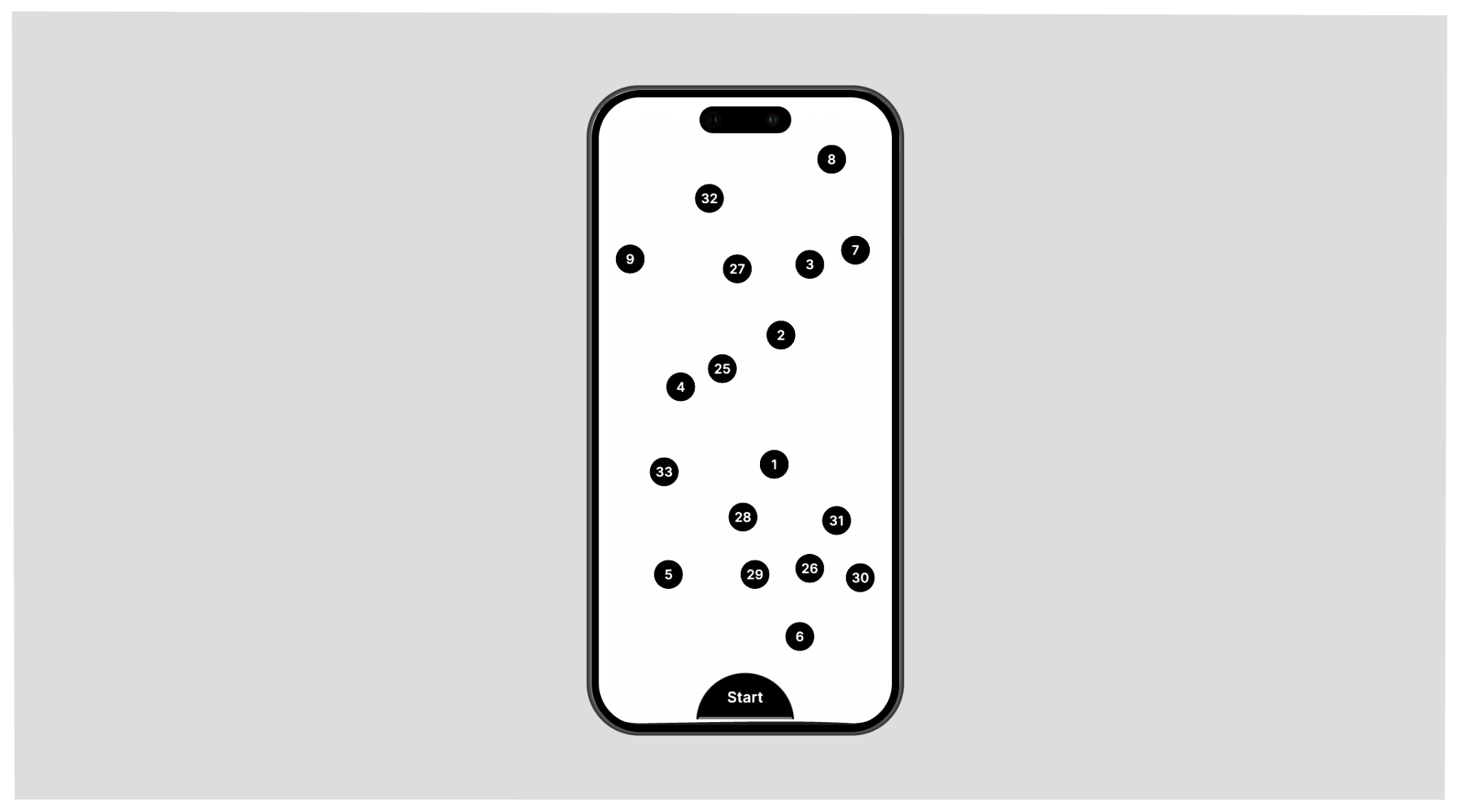 Tasks are evaluated for a combination of speed and accuracy.
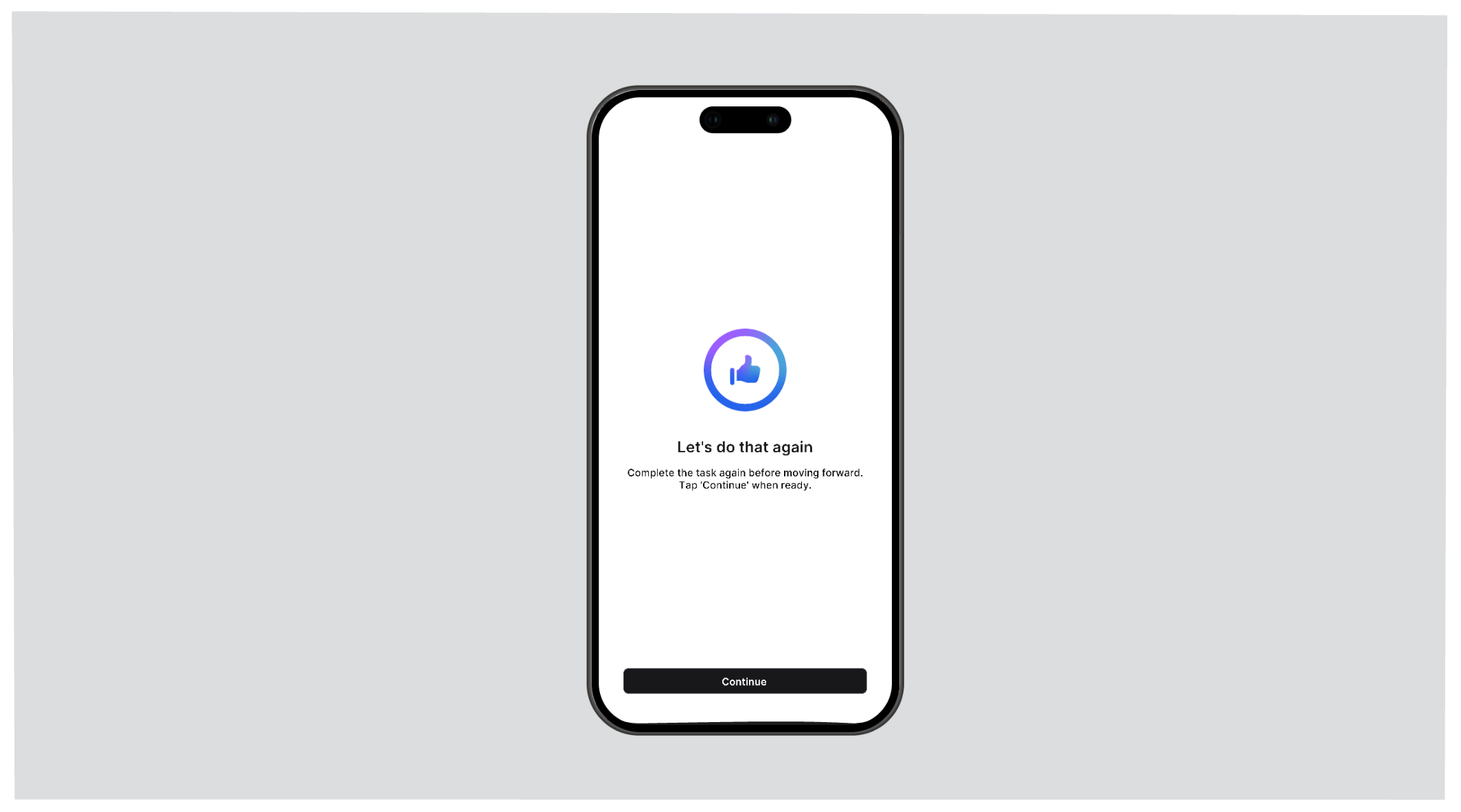
 The test taker will be prompted with a `Continue` button between each task, to allow for brief rests.
 ## Test Completion[](#test-completion "Direct link to Test Completion")
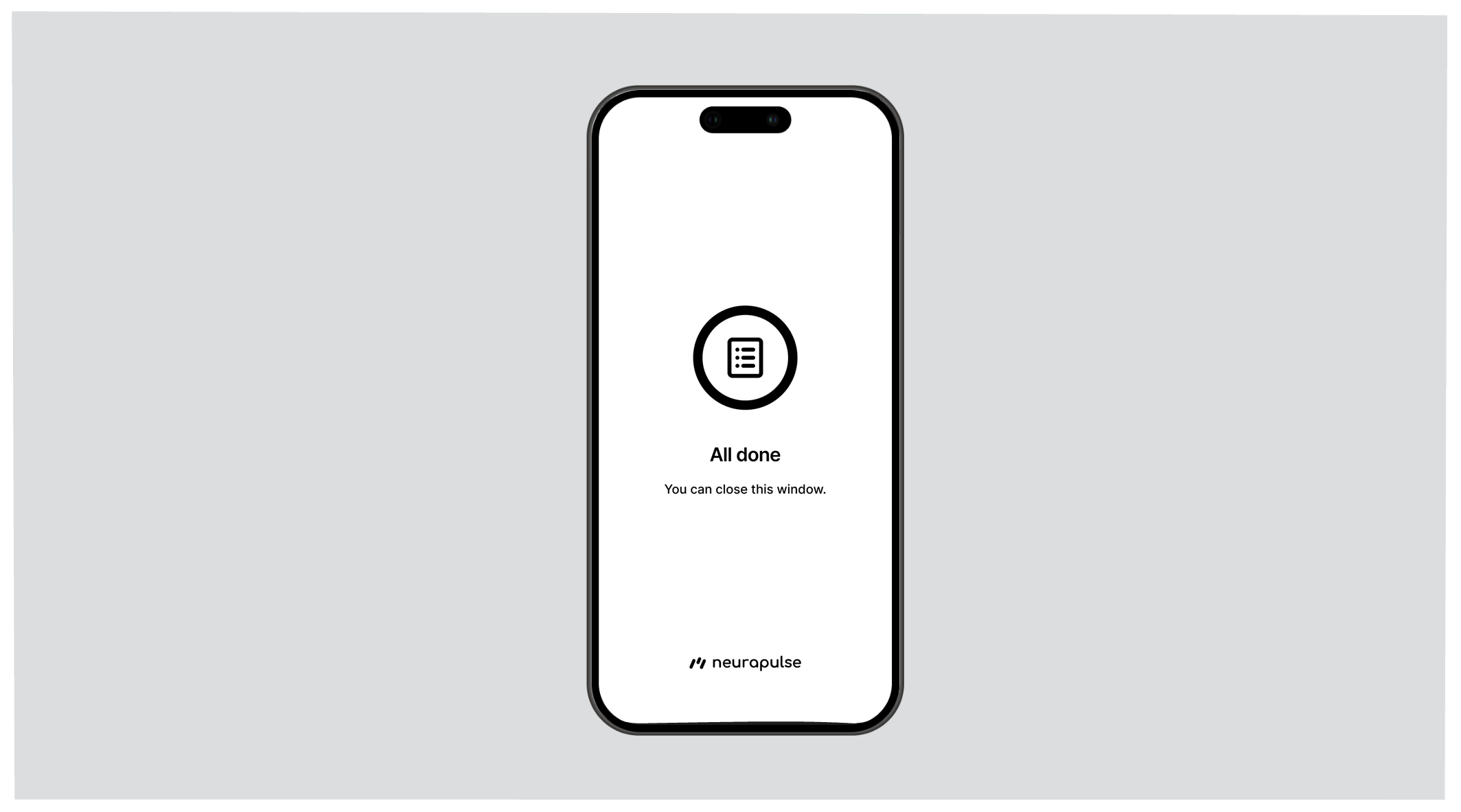
At the end of a test, the test taker may either see:
* A screen that says no further testing is required.
## Test Completion[](#test-completion "Direct link to Test Completion")
At the end of a test, the test taker may either see:
* A screen that says no further testing is required.
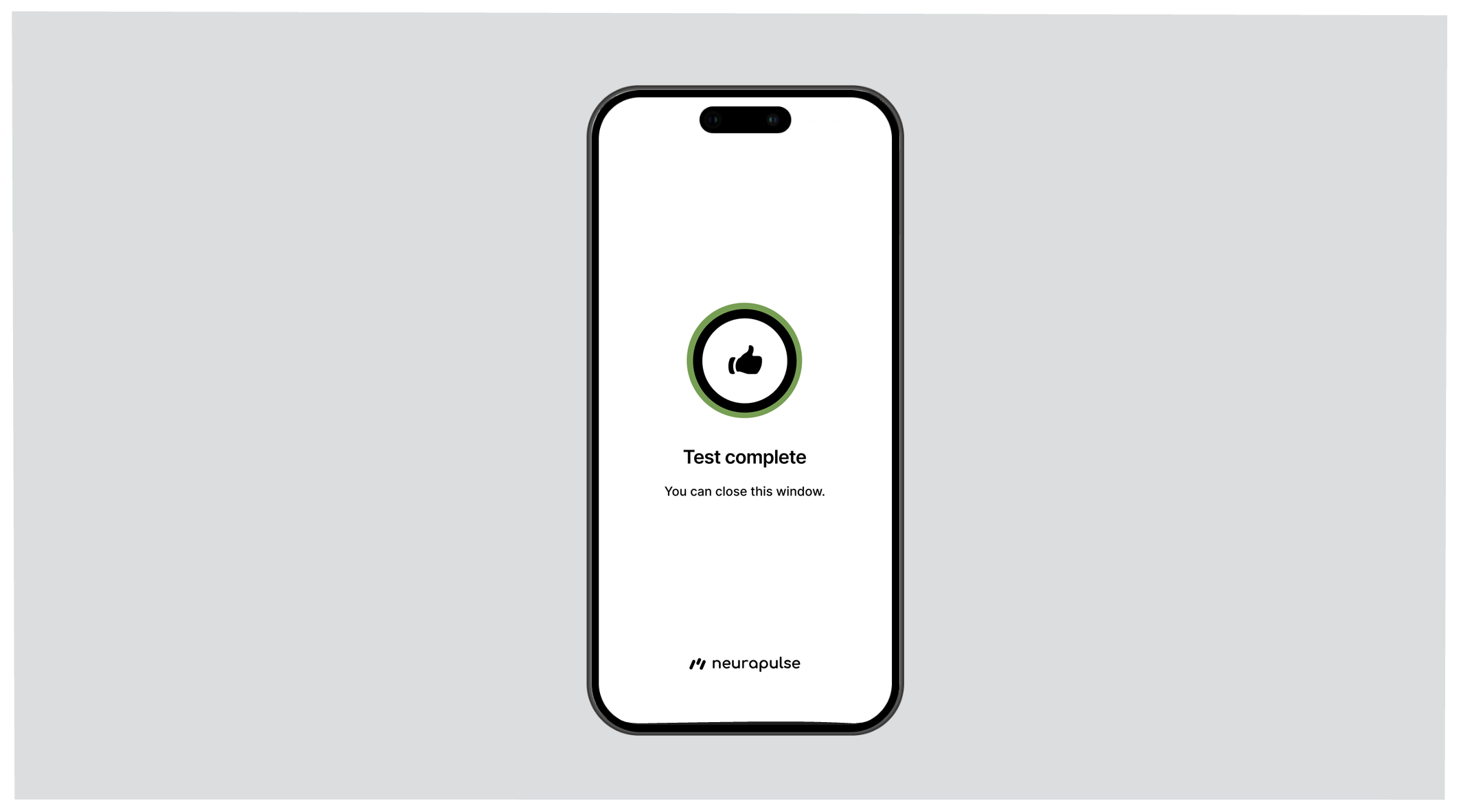
 * A screen that says the test taker must complete another test.
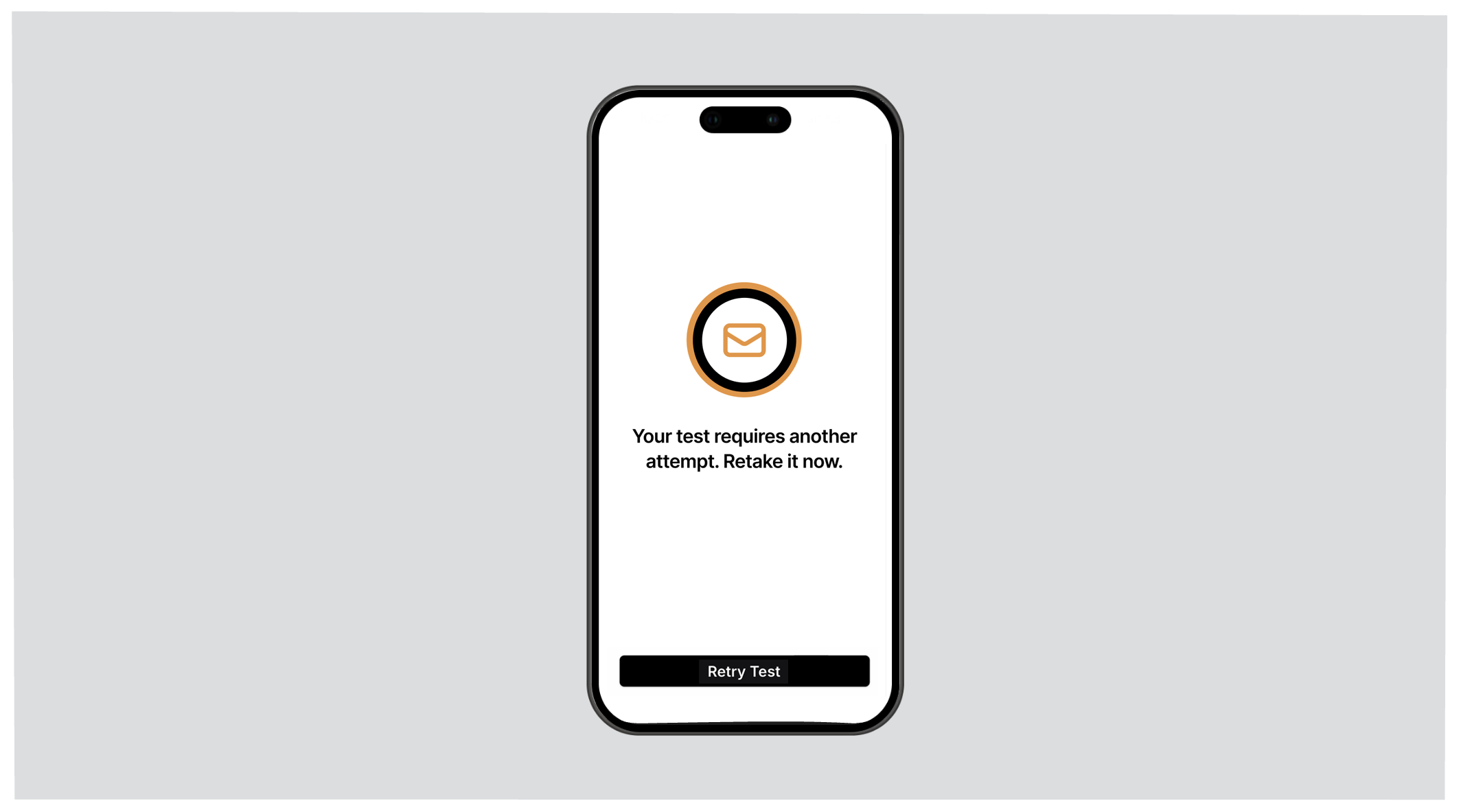 If the test taker is asked to complete another test, the test taker should
immediately complete it by pressing the 'Retry Test' button.
Safety statuses that are calibrated for the individual test taker are *only
available to test managers* in the project portal. As data becomes available
for an individual test taker, a status is determined from a calculation of
risk that may combine objective, relative, and baseline perspectives.
If the test taker is asked to complete another test, the test taker should
immediately complete it by pressing the 'Retry Test' button.
Safety statuses that are calibrated for the individual test taker are *only
available to test managers* in the project portal. As data becomes available
for an individual test taker, a status is determined from a calculation of
risk that may combine objective, relative, and baseline perspectives.