> ## Documentation Index
> Fetch the complete documentation index at: https://help.neurapulse.com/llms.txt
> Use this file to discover all available pages before exploring further.
# Creating a project
1. Click on "Projects" in the navigation menu.
2. Click "Create a Project".
3. Complete the setup:
* **Title:** Choose a descriptive project title.
* **Language:** Select the primary language for assessments.
* **Test Frequency:**
* One-time: Test takers take a single assessment (default).
* Daily: Test takers receive daily assessments at 7AM UTC.
* **Fit For Duty Response:** Define actions for high-risk results. For example, you can write 'Interview the test taker', or enter a URL.
* **Require Identity Verification:** Require test takers to verify their identity before taking the test, using an id card and selfie.
4. Review your entries and click "Confirm". You will be redirected to the project's dashboard.
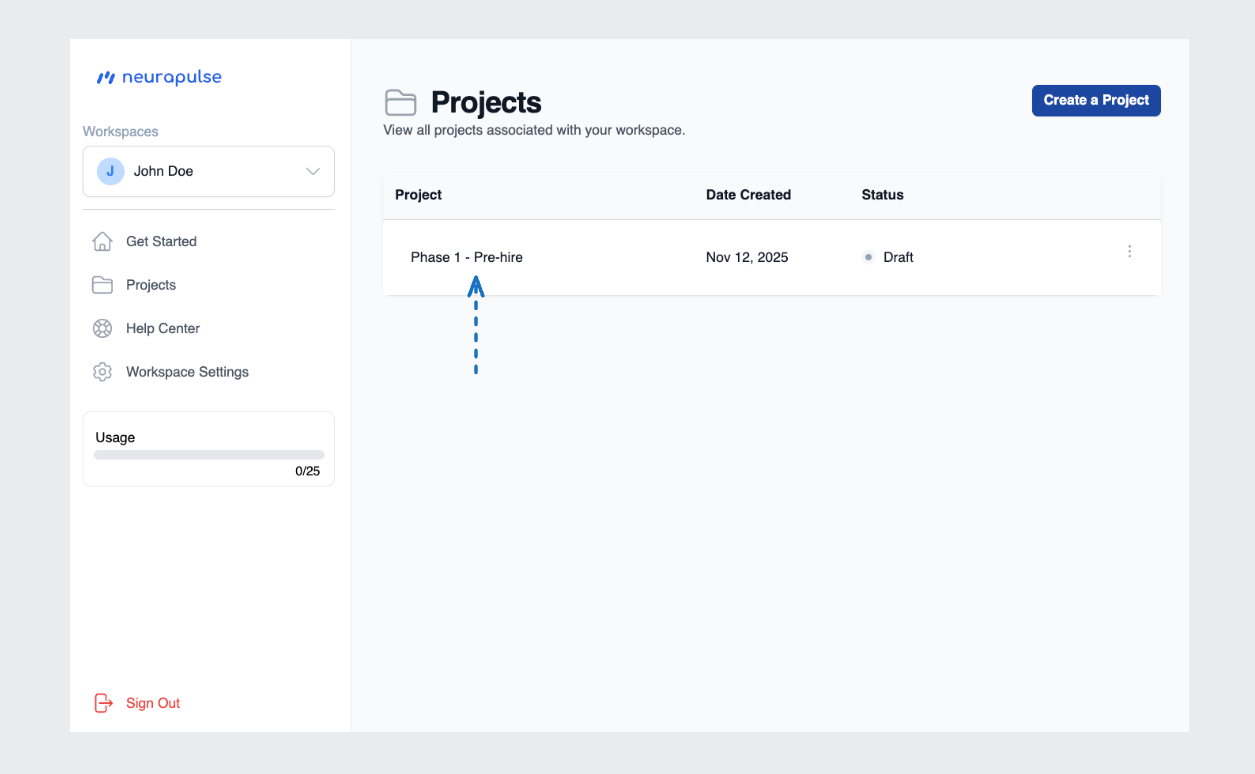
You can navigate to your project's dashboard by clicking on the project's name
from the list (see below).
 Set a clear "Fit For Duty Response" to guide actions for high-risk results.