> ## Documentation Index
> Fetch the complete documentation index at: https://help.neurapulse.com/llms.txt
> Use this file to discover all available pages before exploring further.
# Overview
# Need Help?
Have questions about your [test taker experience](../Test-Taker-Experience/test-taker-journey) or how to [send your first test](../Projects/creating-a-project)? If you are a test taker and have questions about why you are being tested, please reach out to your organization directly.
# Introduction to Neurapulse
Neurapulse is a cognitive assessment platform that measures impairment risk in workplace settings. Our solution helps organizations maintain safety standards and optimize team performance.
## Key Applications
* **Hiring:** Evaluate candidate cognitive functions during recruitment
* **Fleet Management:** Monitor driver cognitive fitness
* **Construction:** Assess worker readiness for machinery operation
* **Small Businesses:** Implement cognitive safety protocols
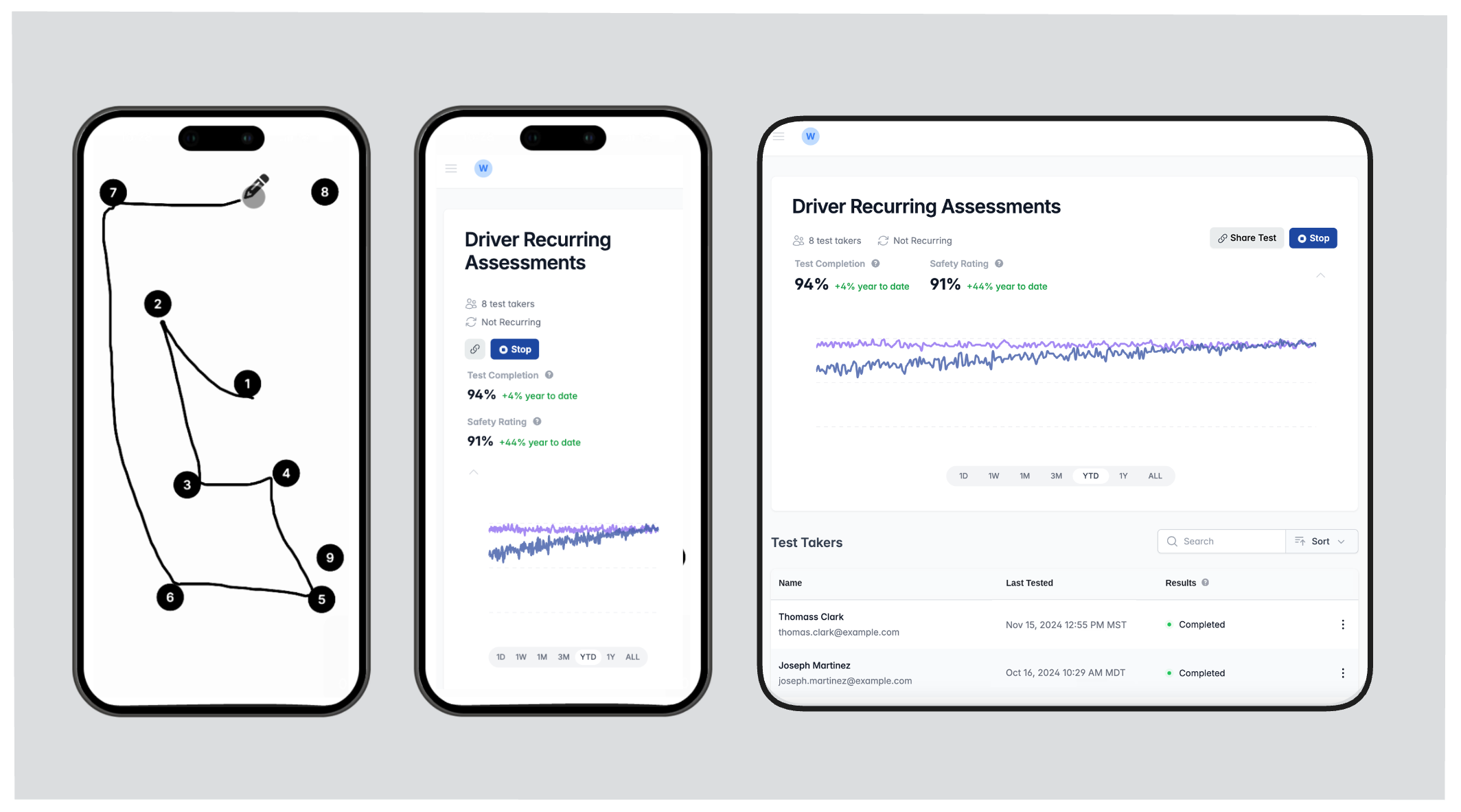 ## Core Benefits
### Rapid Cognitive Assessment
* Complete tests in under 5 minutes
* Identify risk of impairment before work begins
### Real-Time Safety Insights
* Receive immediate, data-driven feedback on team safety via the Neurapulse portal
* Make fast decisions on worker fitness for duty
### Integration
* Incorporate into existing safety protocols
* Customize testing frequency for your specific workplace needs
### Secure Identity Verification
* Ensure test accuracy and privacy
### Easy to Scale
* Deploy tests frequently, with no app download required for test takers
* Offer self-enrollment via links or QR codes
This documentation guides you through using Neurapulse, from account setup to
result interpretation and best practices.
## Next Steps
1. [Sign up for an account](../Getting-Started/signing-up)
2. [Create your first project](../Projects/creating-a-project)
3. [Run your first assessment](../Projects/running-tests)
## Core Benefits
### Rapid Cognitive Assessment
* Complete tests in under 5 minutes
* Identify risk of impairment before work begins
### Real-Time Safety Insights
* Receive immediate, data-driven feedback on team safety via the Neurapulse portal
* Make fast decisions on worker fitness for duty
### Integration
* Incorporate into existing safety protocols
* Customize testing frequency for your specific workplace needs
### Secure Identity Verification
* Ensure test accuracy and privacy
### Easy to Scale
* Deploy tests frequently, with no app download required for test takers
* Offer self-enrollment via links or QR codes
This documentation guides you through using Neurapulse, from account setup to
result interpretation and best practices.
## Next Steps
1. [Sign up for an account](../Getting-Started/signing-up)
2. [Create your first project](../Projects/creating-a-project)
3. [Run your first assessment](../Projects/running-tests)